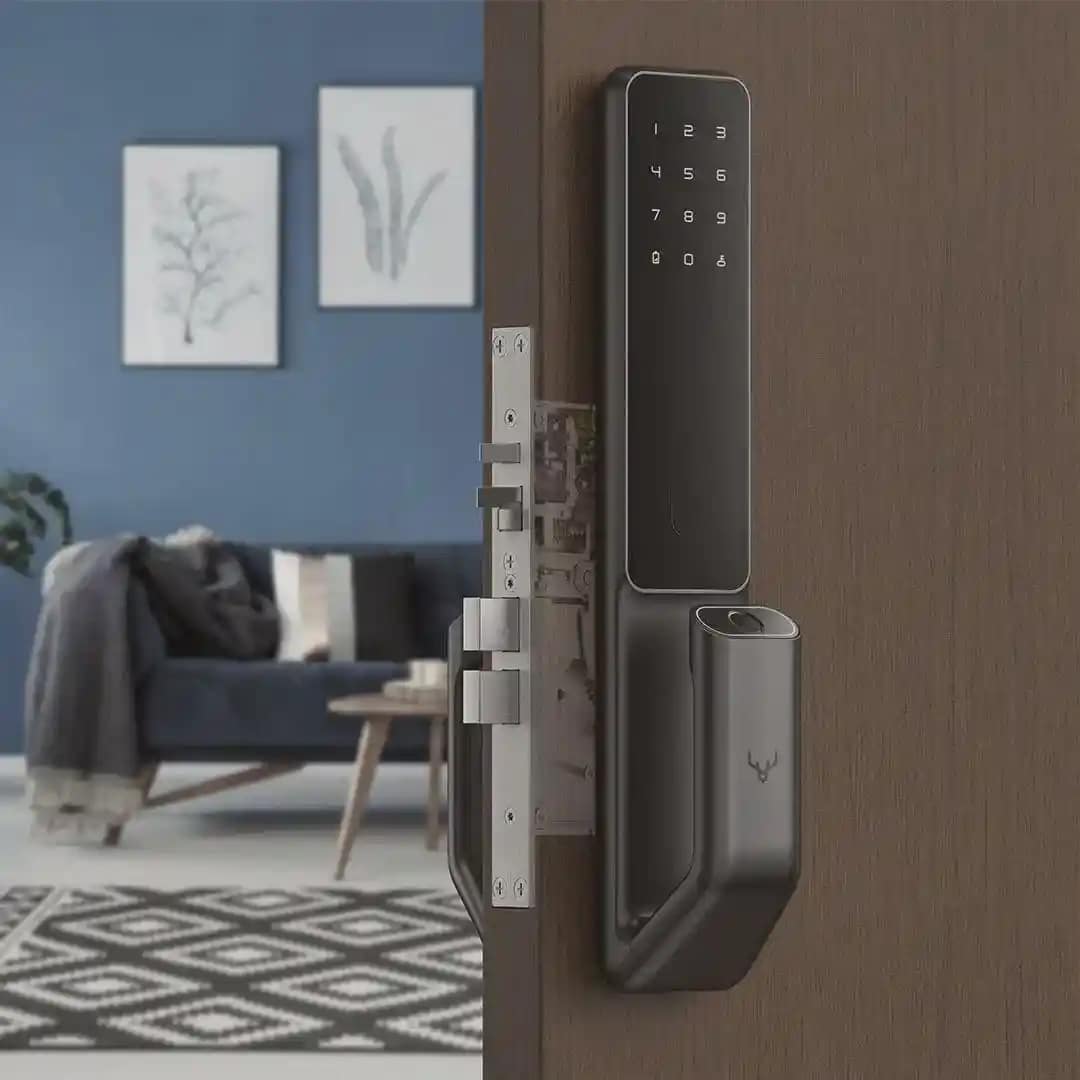
A smart door lock gives you more control over who can enter your home and how you manage that access. Instead of depending only on a physical key, compatible locks may use a keypad code, smartphone app, fingerprint, or another digital credential to unlock the door.
The real security value goes beyond keyless entry. A smart lock can become part of a connected security system where locks, alarms, cameras, sensors, and mobile alerts work together. That can help Arizona homeowners manage family access, temporary visitors, service providers, and their property while away from home.
What Is a Smart Door Lock?
A smart door lock is an electronic locking device that authorizes access through digital controls instead of, or alongside, a traditional key. Depending on the model, it may support PIN codes, smartphone control, fingerprints, Bluetooth, Wi-Fi, Z-Wave, or another compatible technology.
The lock still performs the physical job of securing the door. The electronic layer changes how you approve and manage access.
For example, some smart locks allow you to:
- Create individual access codes.
- Lock or unlock the door through an app.
- Check lock status remotely.
- Receive access notifications.
- Remove a user’s access without changing the lock.
- Connect the lock with other smart-home devices.
Features vary by model, platform, and connection method. A smart lock should never be assumed to support every function simply because it is labeled “smart.” ADT’s current smart-lock guidance also distinguishes Wi-Fi, Bluetooth, and Z-Wave as possible connection methods rather than treating Wi-Fi as universal.
How Does a Smart Door Lock Work?
A smart lock verifies an authorized credential and then operates the locking mechanism electronically.
The process can be reduced to four steps:
Access requested → credential checked → access approved or rejected → lock operates
The credential may be a keypad PIN, smartphone command, fingerprint, or another device-supported method.
Many residential smart locks use batteries to power the electronic components and motor. Connected models can then communicate with a phone, hub, security panel, or smart-home platform.
The connection method matters. Some locks connect directly to Wi-Fi. Others use Bluetooth for nearby control. Z-Wave locks can communicate with a compatible smart-home or security hub.
Schlage’s current Connect Smart Deadbolt, for example, uses Z-Wave Plus and requires a compatible hub for remote connected functions. It can also be included in home automation routines with other compatible devices.
So a smart lock is not simply a traditional lock with an internet connection. It is a physical lock combined with electronic access management.
What Is the Difference Between a Smart Lock and a Keyless Lock?
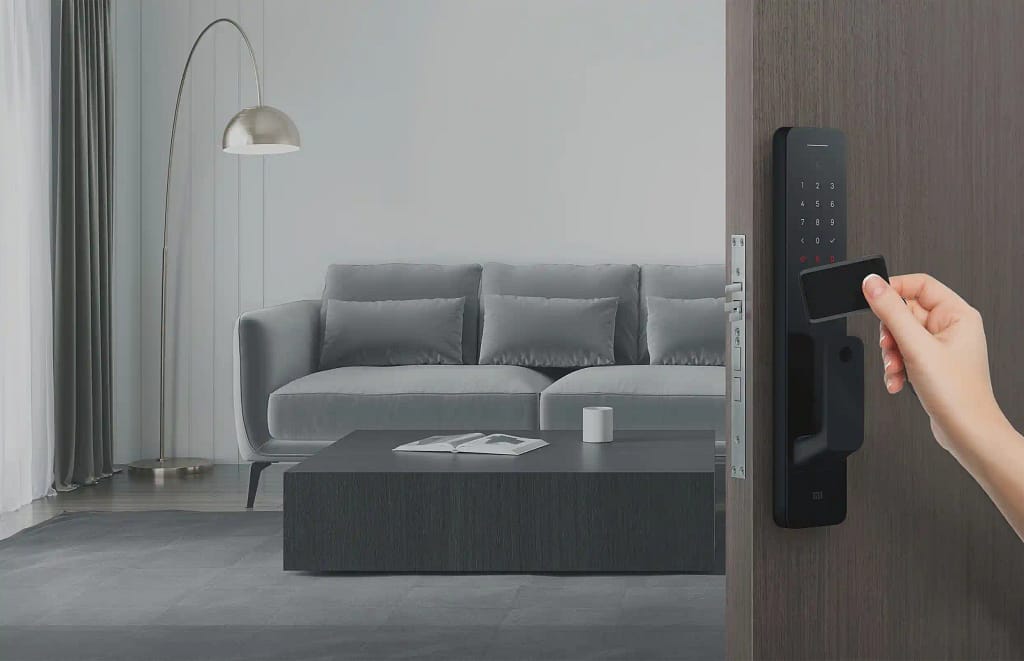
A keyless door lock lets a person enter without using a traditional physical key. A smart lock generally adds connected or remotely manageable functions.
A basic keypad lock may accept a PIN while remaining completely independent of the internet, mobile apps, cameras, or a home security platform.
A connected smart lock may add functions such as:
- Remote control
- Lock-status checks
- User-specific access codes
- Access schedules
- Mobile alerts
- Activity history
- Security-system integration
- Home automation
There is some overlap because manufacturers do not always use the terms in exactly the same way. If your main concern is removing the need for physical keys, our guide to the benefits of keyless door locks explains how electronic entry can simplify daily access. For wider home security, the more important question is what the lock can do after someone has been given access.
How Can a Smart Door Lock Improve Home Security?
A smart door lock can improve home security by giving you more control over access and better information about how an entry point is being used.
It does not make a door impossible to force open. Its strongest advantages are access management, remote control, and integration with other security devices.
- Create Individual Access Codes
Instead of giving several people copies of the same house key, compatible smart locks can allow separate codes for different users.
That can be useful for:
- Family members
- Housekeepers
- Contractors
- Pet sitters
- Trusted neighbors
- Guests
- Property managers
If a person’s access is no longer needed, their credential can be removed without collecting a physical key or replacing the lock cylinder.
- Limit Temporary Access
Some systems allow credentials to work only during selected times.
For example, a contractor may need access between 10 a.m. and noon, while a housekeeper may visit every Tuesday.
Time-based access can reduce the need to leave keys outside or hand out permanent credentials for temporary needs.
- Check the Lock Remotely
One of the most practical benefits is being able to check if a compatible door lock is locked while you are away.
Our residential access control systems can provide oversight of locks and other entry points through a smartphone or online platform. Titan also integrates door locks and garage controls with its smart-home platform.
That means forgetting whether you locked the door does not always require a trip back home.
- Receive Useful Access Information
Compatible systems may also provide alerts or records tied to lock activity.
This is different from simply knowing that a door opened. If individual credentials are used, the system may provide more context about who used authorized access and when. That can be particularly useful for households with several family members or properties where trusted service providers need occasional entry.
Can Smart Locks Work With Home Security Systems?
Yes. Compatible smart locks can work with home security systems so door access, alarms, cameras, sensors, and automation can be managed through the same platform.
This is where a smart lock becomes more than an electronic replacement for a key.
A connected system may support sequences such as:
Authorized code entered → door unlocks → security system changes state
or:
Homeowner selects Away mode → doors lock → alarm arms → compatible lights and other devices adjust
The exact actions depend on the security platform, lock, account, and configuration.
Titan Alarm & Fire home automation systems can integrate door locks with other connected controls and allow homeowners to manage supported devices from a smartphone, tablet, or computer.
How Do Smart Locks Work With Security Cameras?
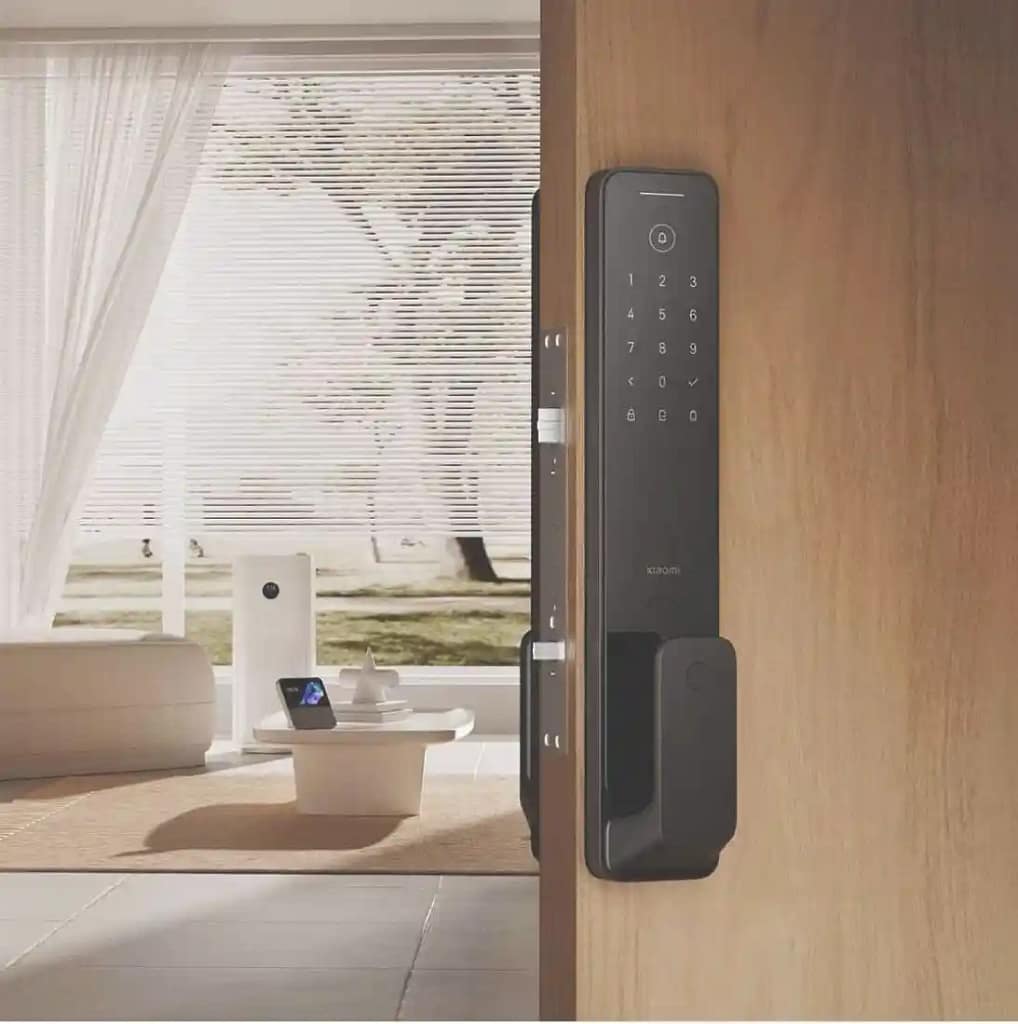
A smart lock controls access. A security camera provides visual information. Connecting the two can give you more context around an entry event.
For example, you may receive information that a door was accessed while a camera provides video from the same entrance. If someone arrives while you are away, you may also be able to view the entrance before deciding how to handle access.
Do Smart Locks Need Wi-Fi?
No. Not every smart lock needs a direct Wi-Fi connection.
Smart locks may communicate through:
- Wi-Fi
- Bluetooth
- Z-Wave
- A compatible smart-home hub
- A security panel
- Other supported wireless protocols
A Bluetooth lock may work locally when your phone is nearby but need additional hardware for remote control. A Z-Wave lock typically communicates with a compatible hub or security system rather than directly connecting to the home Wi-Fi network.
That is why homeowners should check which functions require internet access before choosing a lock.
Ask:
- Can the keypad still work if the internet is down?
- Can I control the lock remotely?
- Is a separate hub required?
- Which features depend on a cloud service?
- Will the lock still operate locally during an internet outage?
Those questions are more useful than choosing a lock based only on the word “Wi-Fi.”
What Happens if a Smart Lock Battery Dies?
Most battery-powered smart locks provide a low-battery warning before the batteries are fully depleted, but emergency access methods vary by product.
Some locks have:
- A physical backup key
- External temporary power
- Replaceable batteries
- A rechargeable battery pack
- Another manufacturer-specific backup method
For example, Schlage’s current Connect Smart Deadbolt uses four AA batteries, provides a low-battery warning, and includes a physical backup key.
That does not mean every smart lock works the same way.
Before installation, know exactly what happens if the batteries run out. Do not assume every smart lock has a hidden key cylinder or external power connection.
Battery condition is only part of reliability. The door itself must also operate correctly. If the deadbolt rubs against the strike plate or requires you to pull the door before locking it, an electronic motor may struggle to operate the bolt reliably.
Fix door alignment before relying on automation.
Are Smart Locks More Secure Than Traditional Locks?
A smart lock is not automatically more secure than every traditional lock.
Door security still depends on physical factors such as:
- Deadbolt quality
- Door construction
- Door frame condition
- Strike hardware
- Installation
- Door alignment
The smart features add another type of security: access management.
A conventional key mainly proves that someone has possession of the key.
A connected smart lock may allow you to identify separate users, revoke credentials, control access times, receive alerts, check lock status, or connect the door with the wider security system.
That makes the comparison less about “smart versus traditional” and more about the security layers each system provides.
A strong physical lock protects the door.
A smart access system manages authorized entry.
An alarm system detects intrusion events.
Cameras provide visual information.
A complete home security system can bring those functions together rather than asking one device to handle every risk. Titan currently lists door locks, security systems, sensors, cameras, and automation among the components its residential platform can integrate.
What Should You Check Before Installing a Smart Door Lock?
Choosing a smart lock should start with the door and security system, not just the app.
Check the Door
Make sure the door closes correctly and the deadbolt enters the strike without extra pressure.
Confirm Physical Compatibility
Check:
- Door thickness
- Existing bore holes
- Backset
- Deadbolt type
- Handing
- Clearance around the lock
Check Security-System Compatibility
If you want the lock to work with your alarm, cameras, or home automation, make sure the devices use compatible technology.
Understand Remote Access
Find out if remote control requires:
- Wi-Fi
- A smart-home hub
- A security panel
- A bridge
- A subscription
Review Access Management
Check how codes are created, removed, and scheduled.
Know the Backup Method
Find out how you would enter if:
- The battery dies
- The internet goes offline
- Your phone is unavailable
- The hub loses communication
Check Environmental Specifications
Arizona exterior doors can face high temperatures and intense sun. Review the manufacturer’s operating limits for the exterior and interior portions of the lock.
Do not assume every smart lock is designed for the same exposure.
Where Can Smart Locks Be Most Useful in Arizona Homes?
Smart locks can be particularly useful when several people need controlled access or when the homeowner spends time away from the property.
Examples include:
- Family homes with different daily schedules.
- Seasonal residences.
- Vacation properties.
- Homes where owners travel regularly.
- Properties that use cleaning or maintenance services
- Homes where relatives or trusted neighbors need occasional access.
A homeowner away from Arizona may be able to check a compatible lock or manage authorized access without leaving a permanent physical key behind.
For families, individual credentials can also make it easier to manage entry without sharing one code or issuing several spare keys.
The right setup depends on how the home is actually used.
Smart Door Locks Give You More Control Over Home Access
A smart door lock combines a physical lock with electronic access management. Depending on the system, it can replace or supplement traditional key entry with codes, smartphone control, remote status, alerts, and other connected functions.
Its main security advantage is control.
You can reduce the need to distribute spare keys. Compatible systems can provide separate credentials for different people. Access can be removed when it is no longer needed. The lock can also work with cameras, alarms, sensors, and automation as part of a wider security system.
The physical door still matters. So do cybersecurity, battery management, product compatibility, and correct installation.
At Titan Alarm & Fire, we help Arizona homeowners connect door access with the rest of their home security. Call 602-680-4567 or request a consultation to find out how smart locks, cameras, alarms, and home automation can work together at your property.
FAQs
Are Smart Door Locks Secure?
Smart door locks can provide useful security functions such as individual credentials, remote status, access alerts, and security-system integration. Their overall security also depends on the quality of the physical lock, door and frame, installation, account security, network protection, software support, and system configuration.
What Happens if a Smart Lock Battery Dies?
The result depends on the model. Many battery-powered locks provide advance low-battery warnings. Backup entry may use a physical key, external temporary power, or another manufacturer-specific method. Check the exact product instructions before installation so you know how emergency access works.
Can You Use a Regular Key With a Smart Lock?
Some smart locks retain a traditional key cylinder, while others do not. Never assume a connected lock has physical key backup. Check the exact model and make sure everyone who needs emergency access understands its backup method.
Can Smart Locks Connect to a Home Security System?
Yes, when the smart lock and security platform are compatible. An integrated system may combine door-lock control with alarms, cameras, sensors, mobile alerts, and home automation. Titan’s residential platform supports connected door-lock and security functions for Arizona homes.